 站長資訊網
站長資訊網下面由centos教程欄目給大家介紹在官網下載各種CentOS教程,希望對需要的朋友有所幫助!

很多程序猿不知道怎么去官網下載各種CentOS版本,針對這個問題,本文整理了一個下載教程。本文以下載CentOS6.7為例子。
1.進入官網,并點擊下圖所示的紅框【alternative downloads】
網址:https://www.centos.org/download/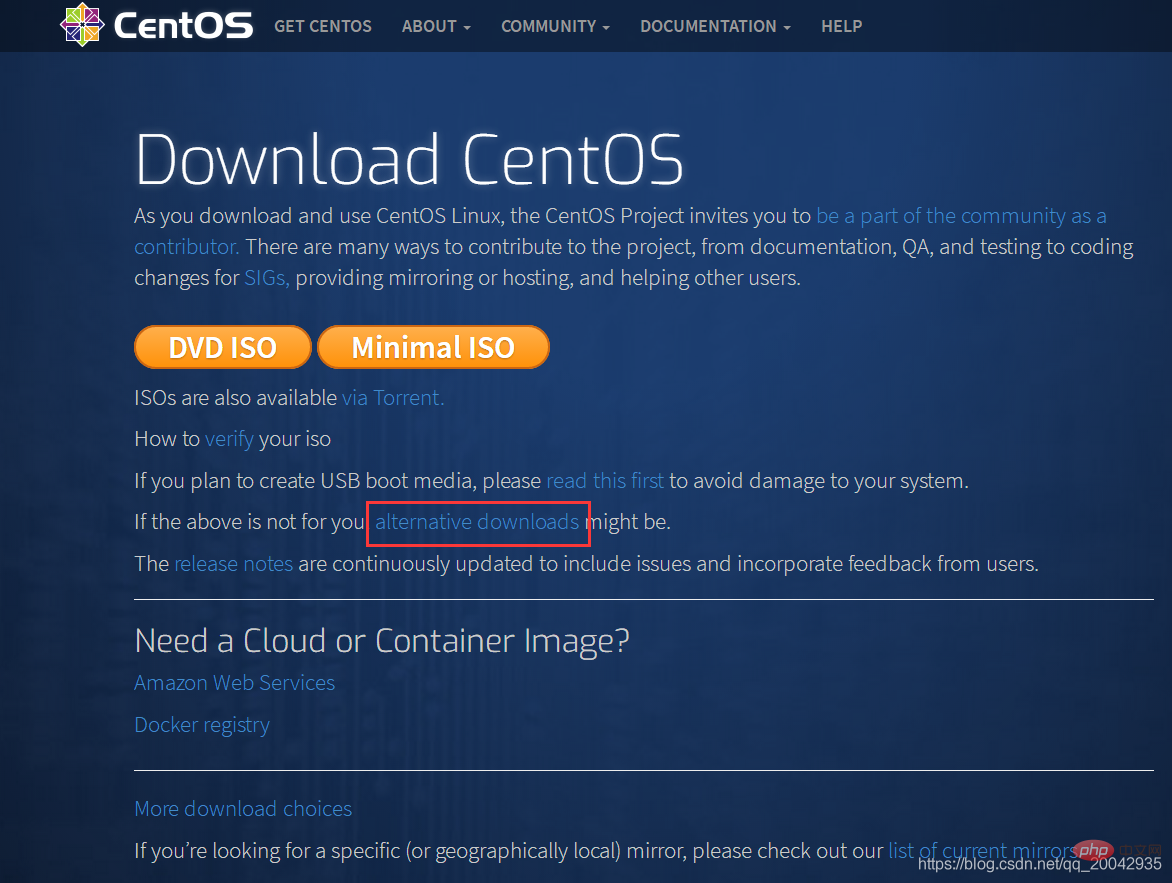
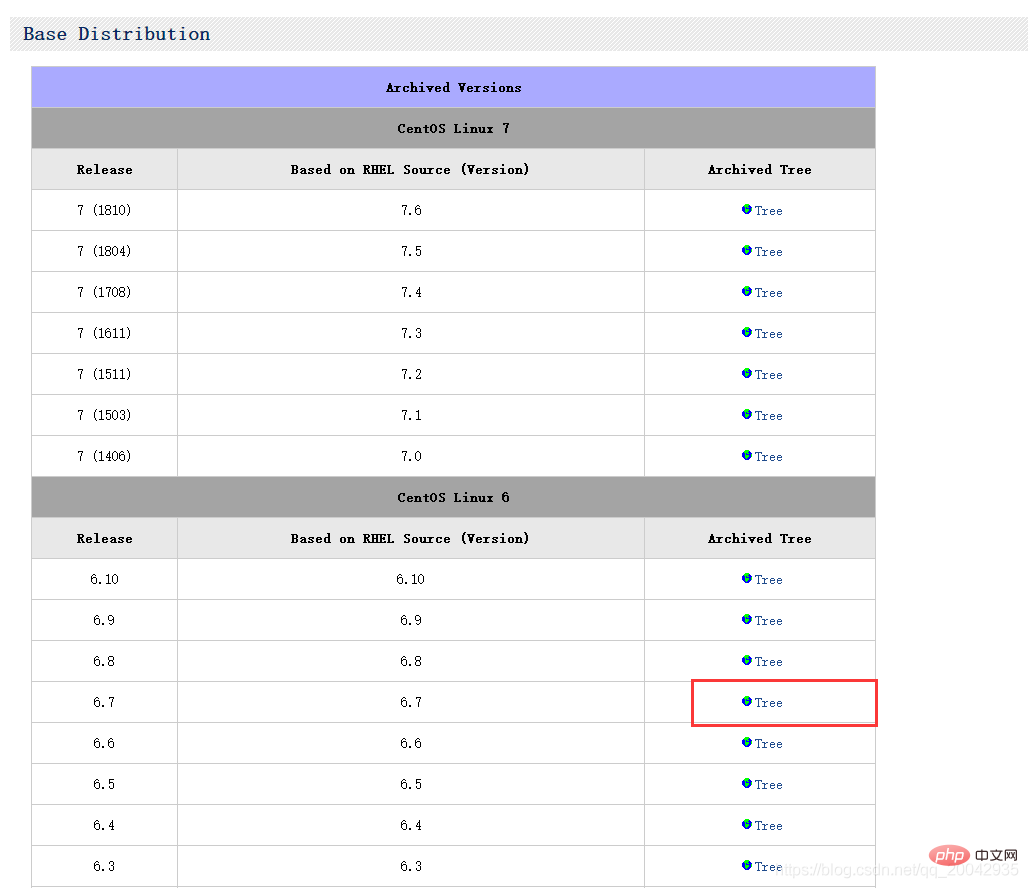
2.點擊Tree,進入目錄
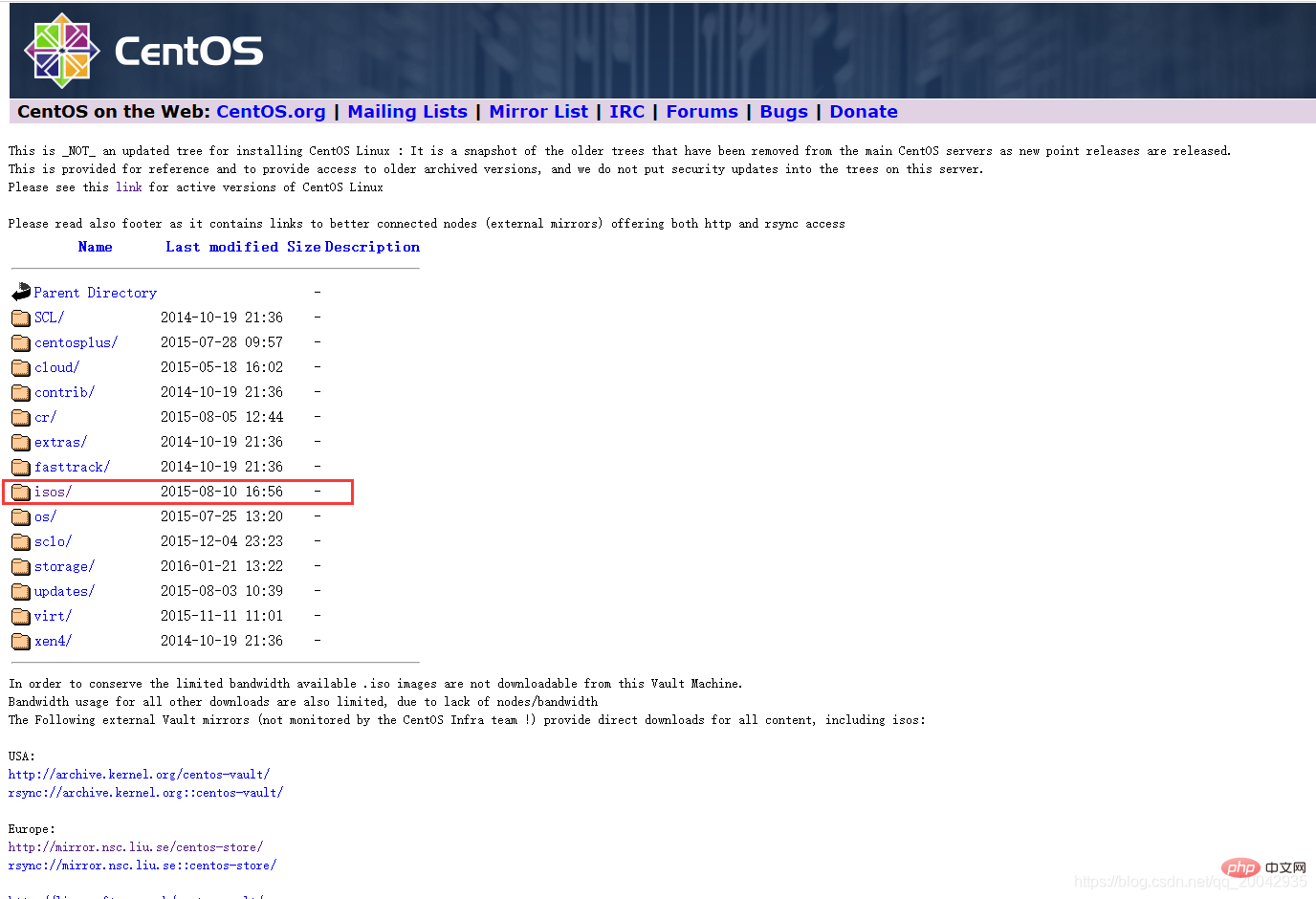
3.點擊ISOS
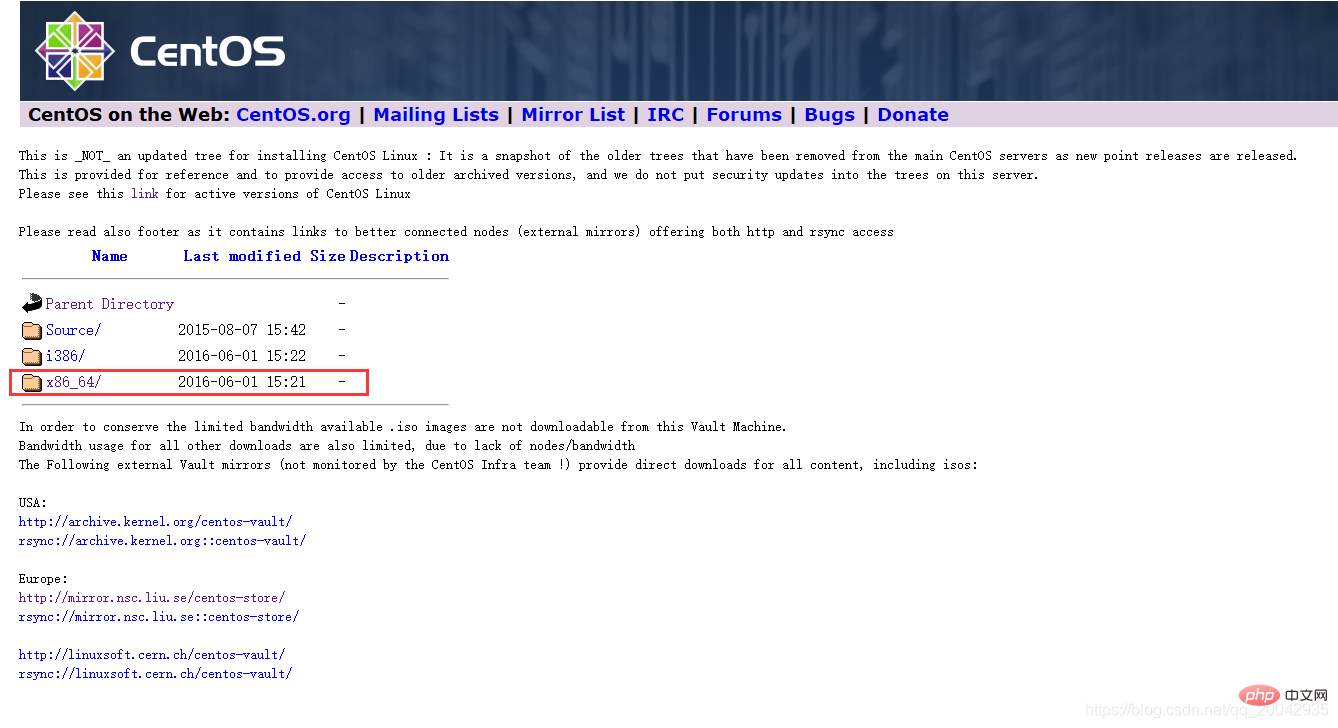
4.點擊x86_64
5.點擊CentOS-6.7-x86_64-bin-DVD1.iso
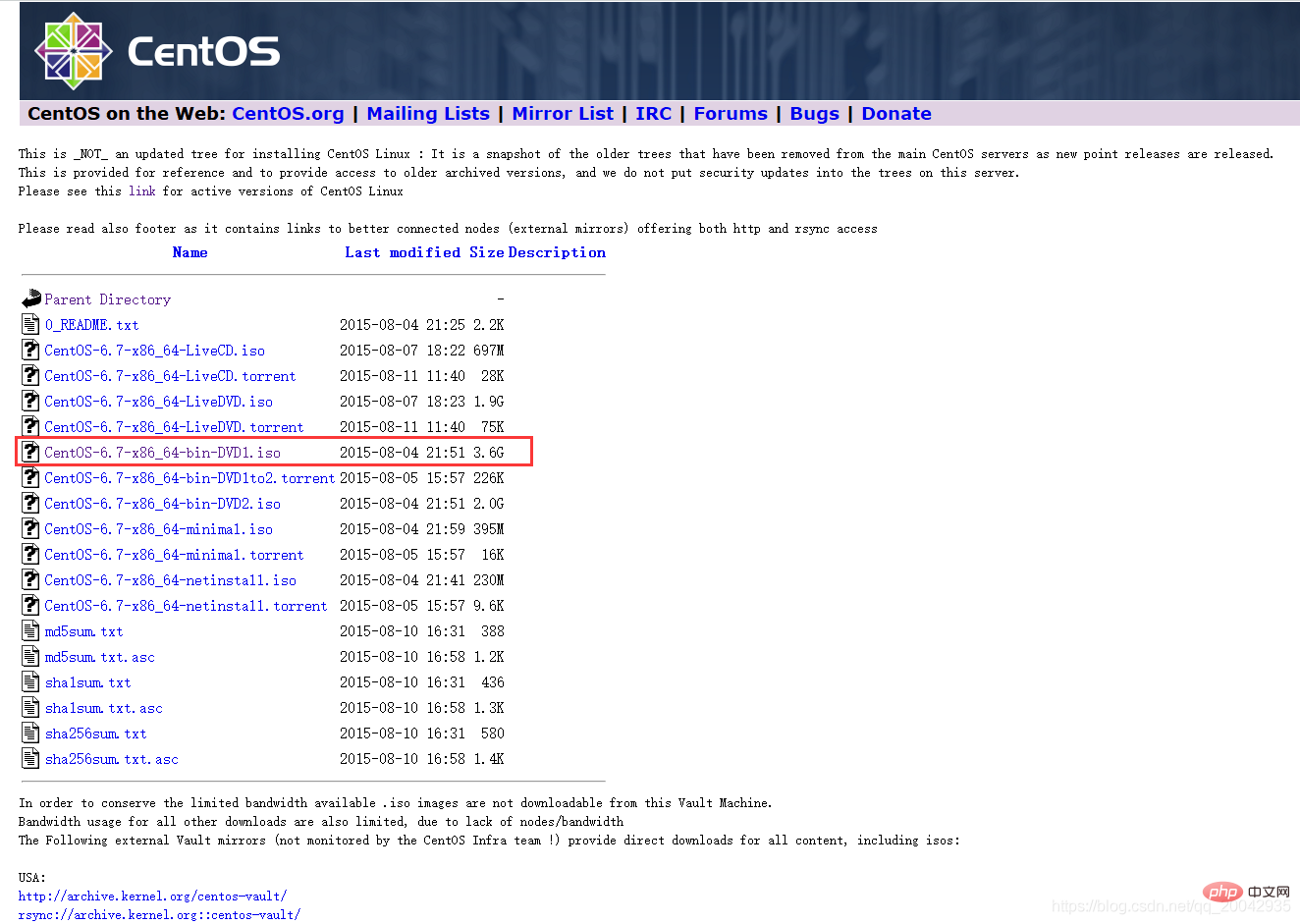
6.點擊http://mirror.nsc.liu.se/centos-store/

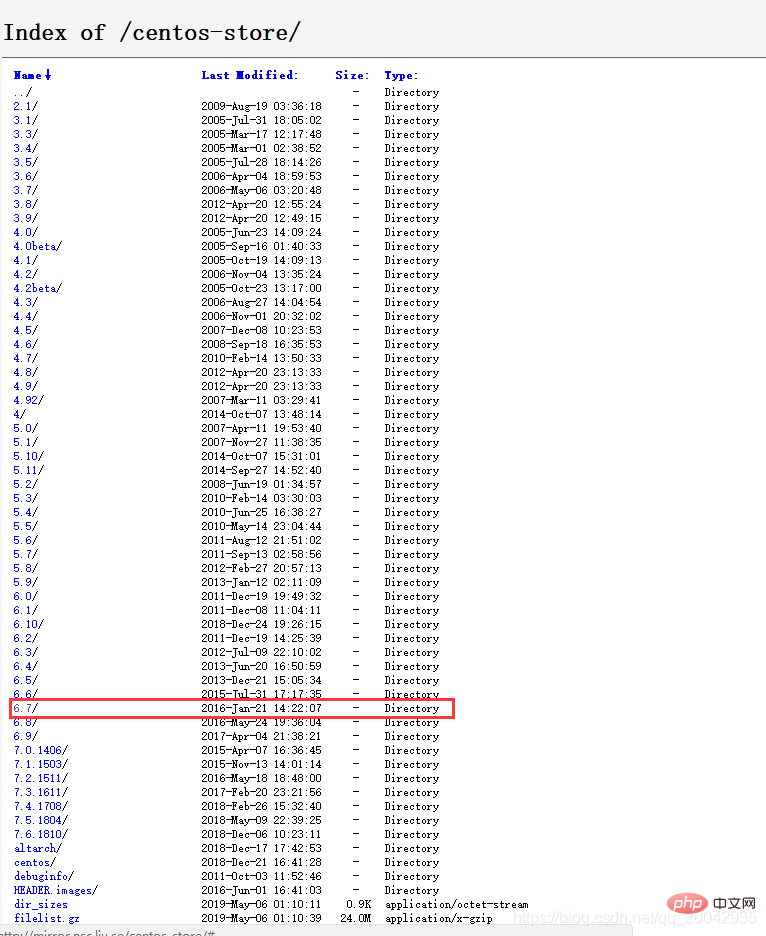
7.點擊6.7
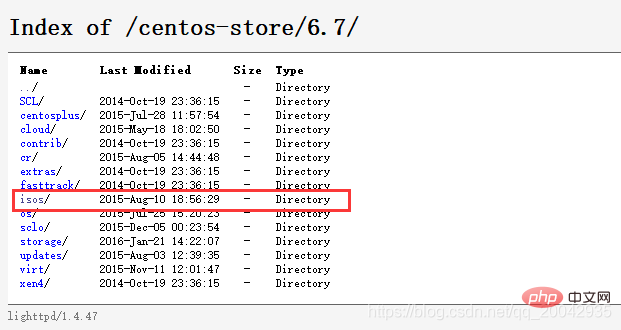
8.點擊isos/
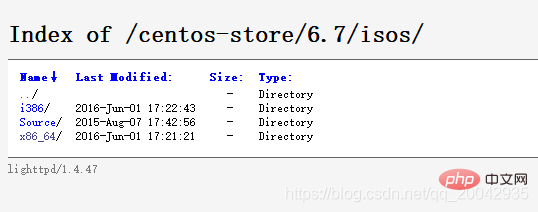
9.點擊x86_64
10.CentOS-6.7-x86_64-minimal.iso
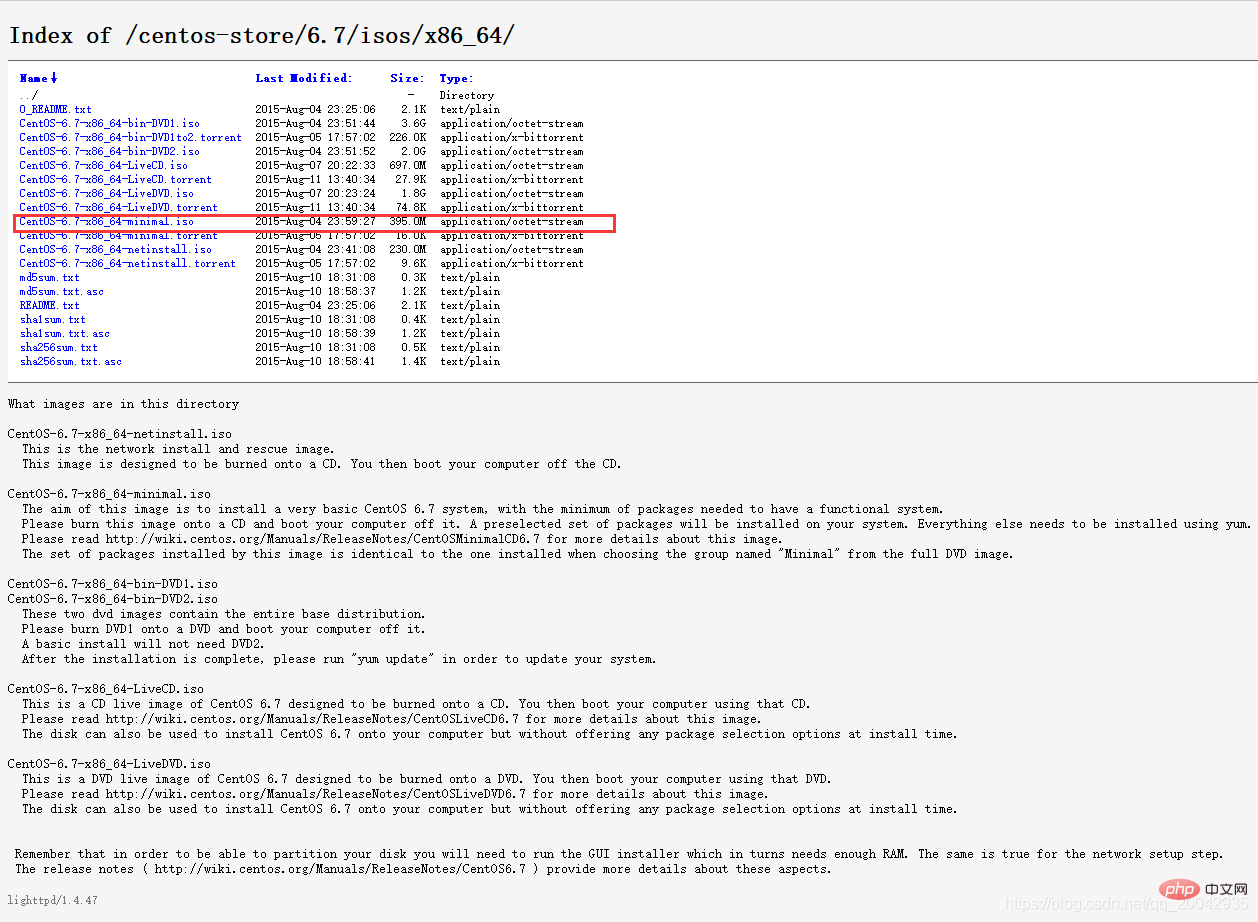
完成!!!!!!
